Universal Bulk Image Format Converter
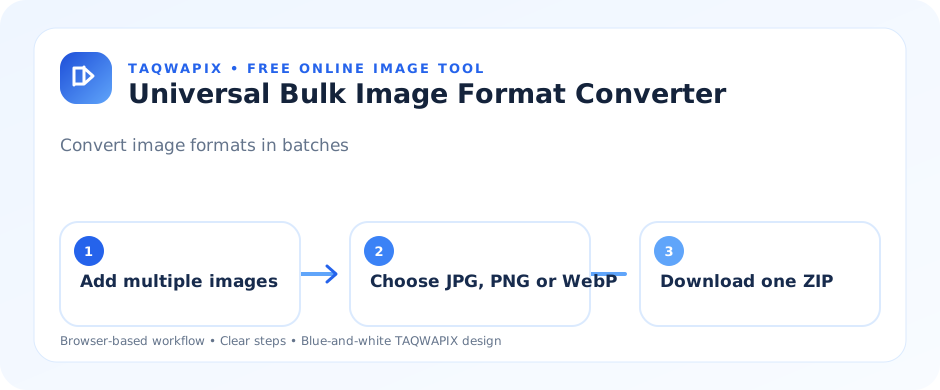
Convert many images in one batch to JPG, PNG or WebP, then download all results in one ZIP. Files are processed locally in your browser.
1. Add images
Or select photos from your device
Universal Bulk Image Format Converter — Free Online Image Tool
Convert multiple images in one batch to supported JPG, PNG or WebP output formats. Adjust quality where available and download the results together as a ZIP archive. TAQWAPIX is designed for current desktop and mobile browsers. The tool works on a local file selected by you; no account is needed. Actual format support and processing performance depend on the browser and your device.
How to use this tool
- Choose or drag an image into the upload area.
- Set the available options and start processing.
- Check the progress and review the output.
- Download the result and keep the original until you confirm it is correct.
Benefits and limitations
- Free to use in a modern browser without installing desktop software.
- Responsive interface for phones, tablets and computers.
- Local browser processing for the selected image, subject to this tool's libraries and browser capabilities.
- Batch size and processing speed depend on your device memory, browser, and image dimensions. Use smaller batches if your device slows down.
Frequently asked questions
Is universal bulk image format converter free?
Yes. TAQWAPIX provides this browser-based tool without requiring an account. Internet access may be needed to load the website and its external libraries.
Are my images uploaded to TAQWAPIX?
This tool is designed to process selected images in your browser rather than intentionally uploading them to a TAQWAPIX server. Browser extensions, your device, or third-party libraries can have their own behavior, so avoid using sensitive images on devices you do not trust.
Why might conversion or processing fail?
Unsupported formats, very large files, low device memory, browser limitations, or a blocked external library can prevent processing. Try a common JPG, PNG or WebP file, reduce the batch size, or use an updated browser.
Explore related tools: Image Converter · Universal Bulk Image Format Converter · Bulk Image Compressor · Image Compressor.